


You Lose Track of Time
Long sessions without awareness can affect sleep, work and personal responsibilities.
010PH mobile access is intended for adults only. Use the Android APP responsibly, manage your time, protect your account, keep wallet records and never use money meant for bills, family needs, rent, education or emergencies.
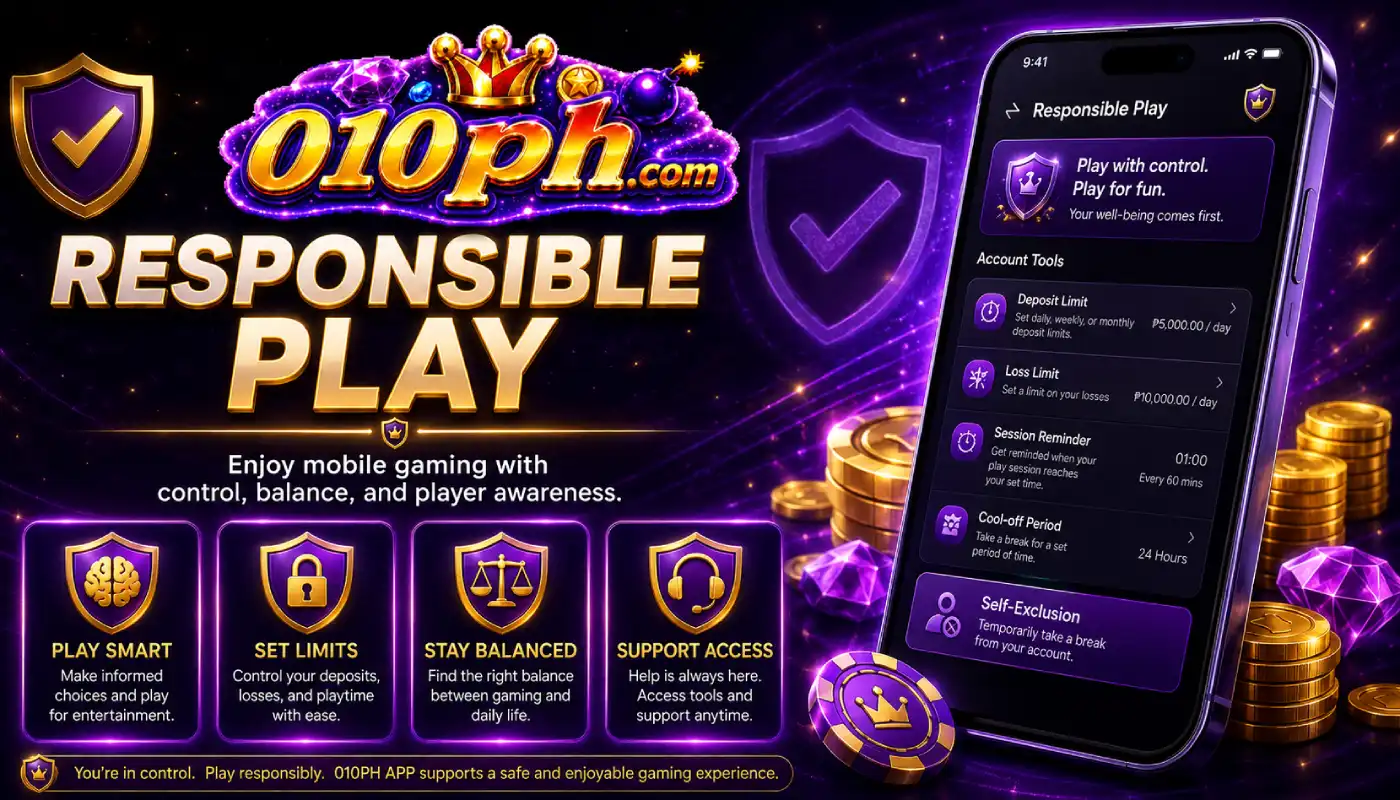
Mobile access makes it easy to open the 010PH APP, log in, check JILI Games, view promos, use GCash or Maya and contact support. Because access is convenient, users should be more careful about time, spending and account safety.
Set a clear limit before using the app. Decide how much time you will spend and how much money you can afford to use. Do not increase your limit because of emotion, frustration, losses or pressure from other people.
If app use starts affecting sleep, work, family, school, bills or daily responsibilities, stop and take a break. Responsible use means staying in control before any problem becomes difficult to manage.
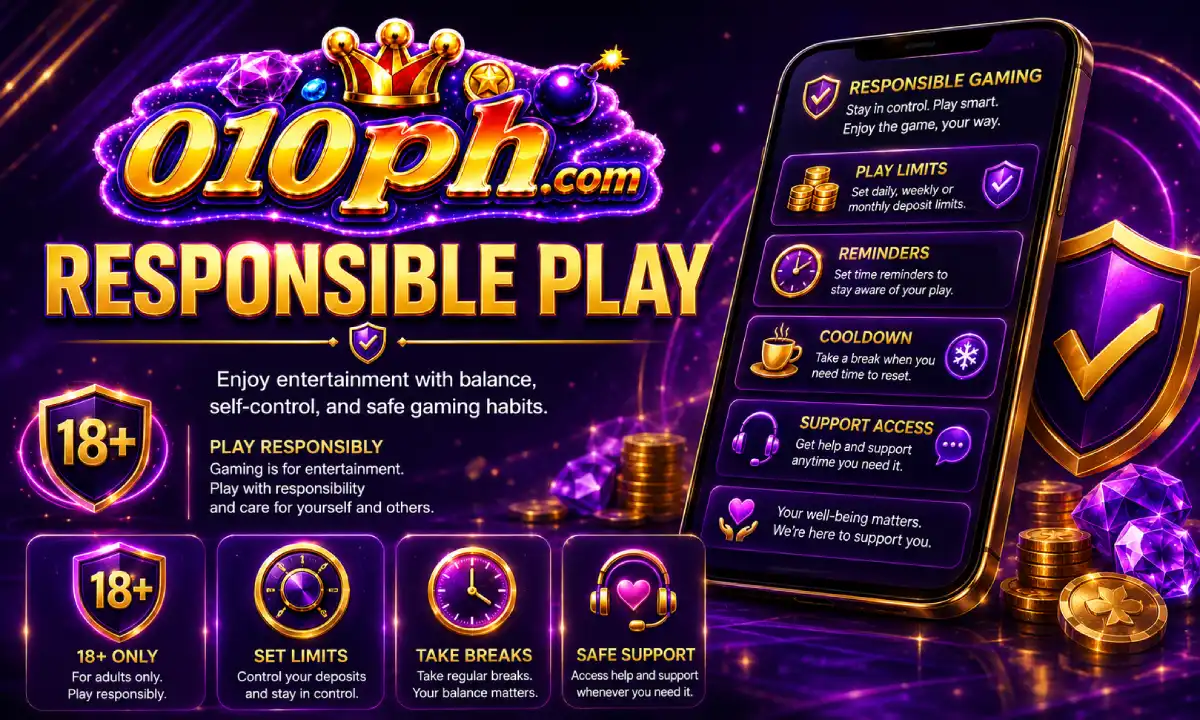
These habits can help users keep mobile account use safer and more controlled.
Decide your limit before opening the app and do not exceed it during the session.
Avoid long sessions without breaks. Stop when the session time you planned is finished.
Do not continue because you feel pressured to recover what was spent. Take a break instead.
Never use funds for food, bills, family needs, rent, school or emergency expenses.
Stop using the app and ask for support if you notice these warning signs.
Long sessions without awareness can affect sleep, work and personal responsibilities.
If you often exceed your limit, stop and review your account use carefully.
Do not continue if you are using money needed for bills, food, family or emergencies.
If stopping feels difficult, contact support and take steps to limit account access.
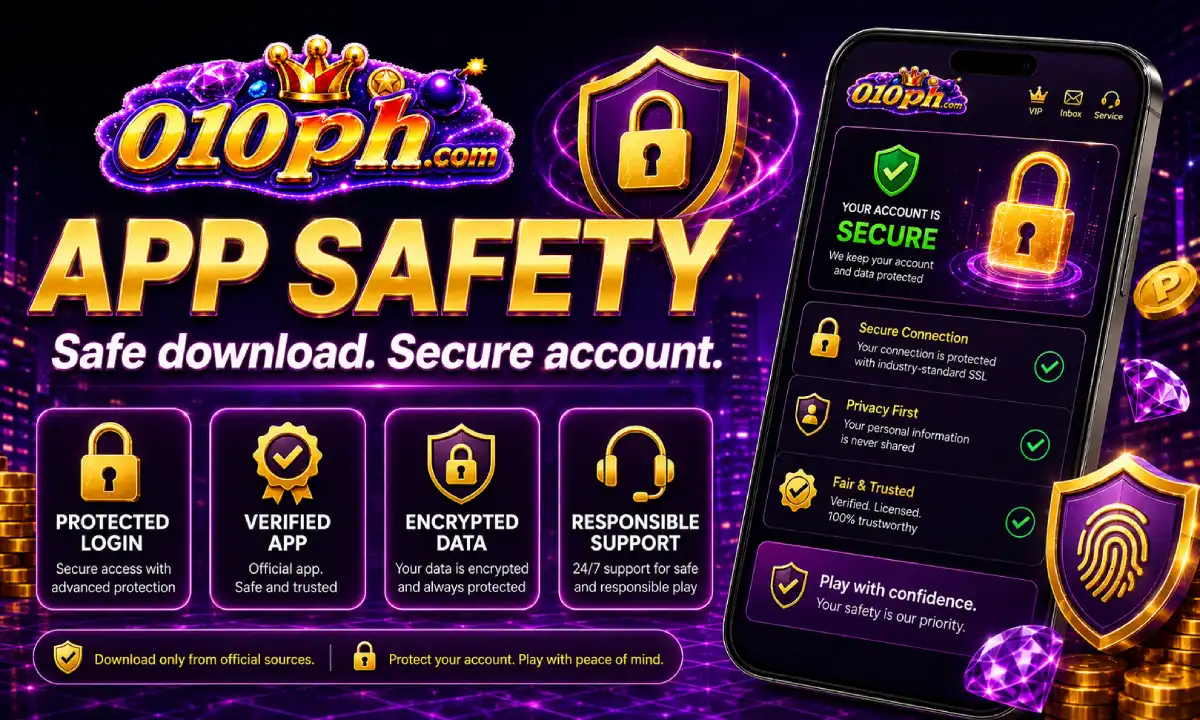
Keep your 010PH account private. Do not share your password, verification code, wallet PIN, wallet login or one-time code. If another person can open your account, your balance, payment records and personal details may be at risk.
Use a strong password and avoid saving it on shared devices. If your phone is borrowed by friends or family members, log out after use and do not leave the app open.
For payments, save GCash and Maya receipts until transactions are complete. If there is a delay, contact support with clear details instead of sending repeated payments.
Responsible users ask for help early. If you need to review account access, app use, payment records or support options, open the official access page and contact support.
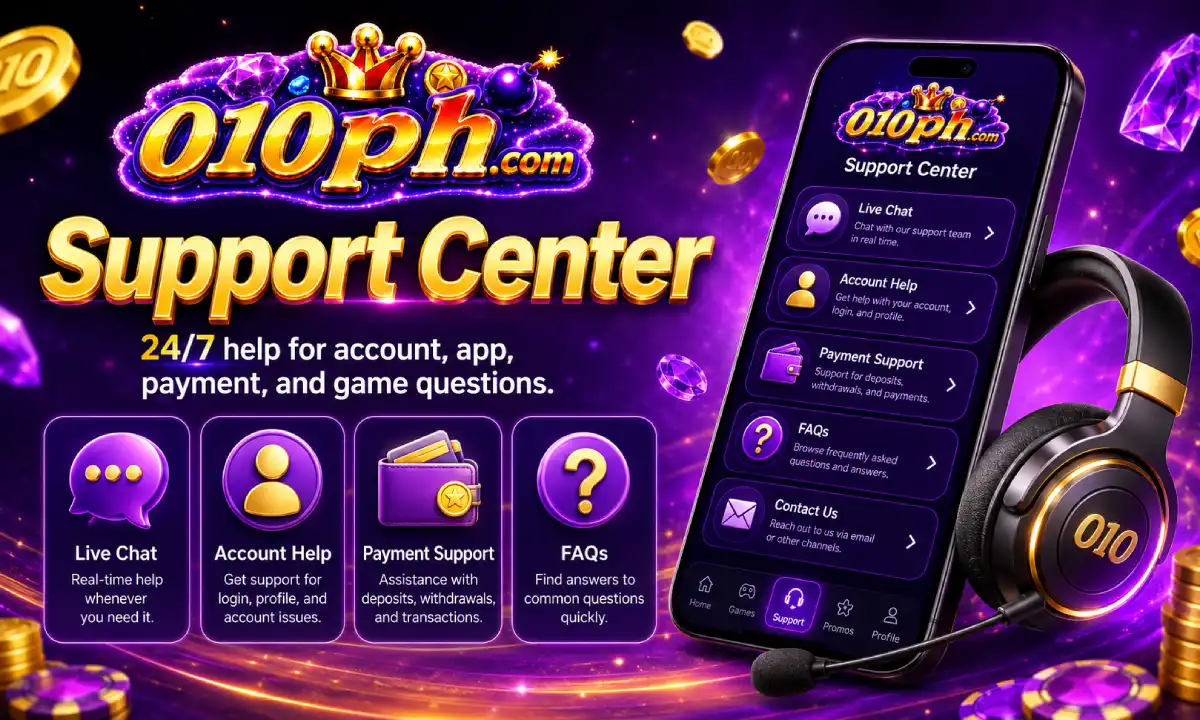
Ask support for help if your account activity needs review or if you want guidance about safer use.
Contact Support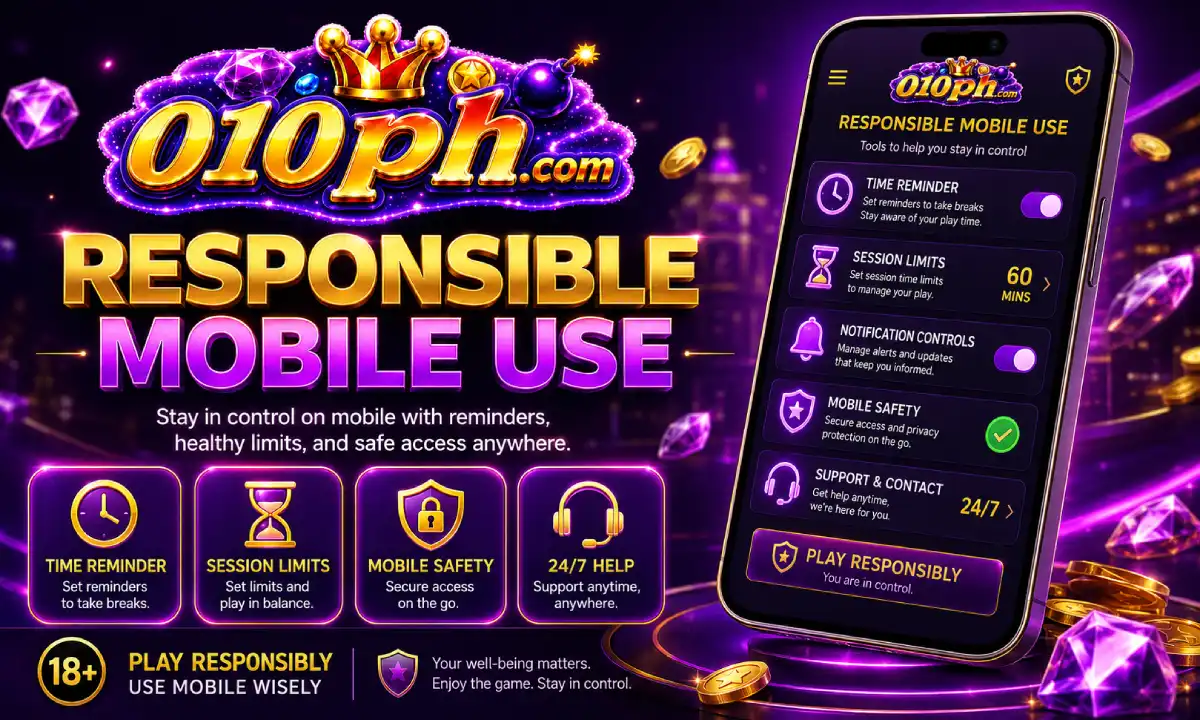
Step away from the app when you feel tired, emotional, frustrated or unable to stop.
Responsible Play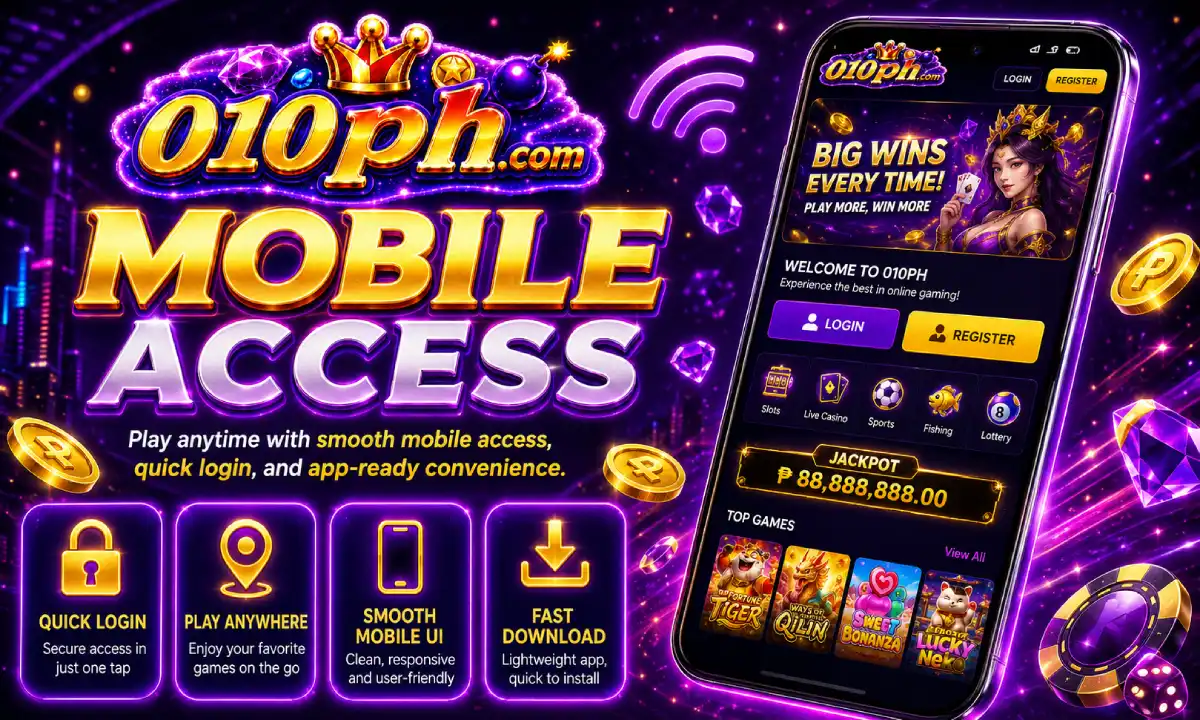
Keep the app away from minors, protect your device and avoid saving passwords on shared phones.
Privacy PolicyUse the main access button only when you are ready to enter the active 010PH account area. For support, privacy, login safety, app download and responsible play information, use the internal links above.