


Open 010PH Login
Use the login page and enter your account with the correct login details.
Use 010PH GCash access to check mobile payment instructions, deposit reminders, transaction details, account balance updates and support help. Open the official access page before sending any payment so you can follow the latest instructions shown inside your account.
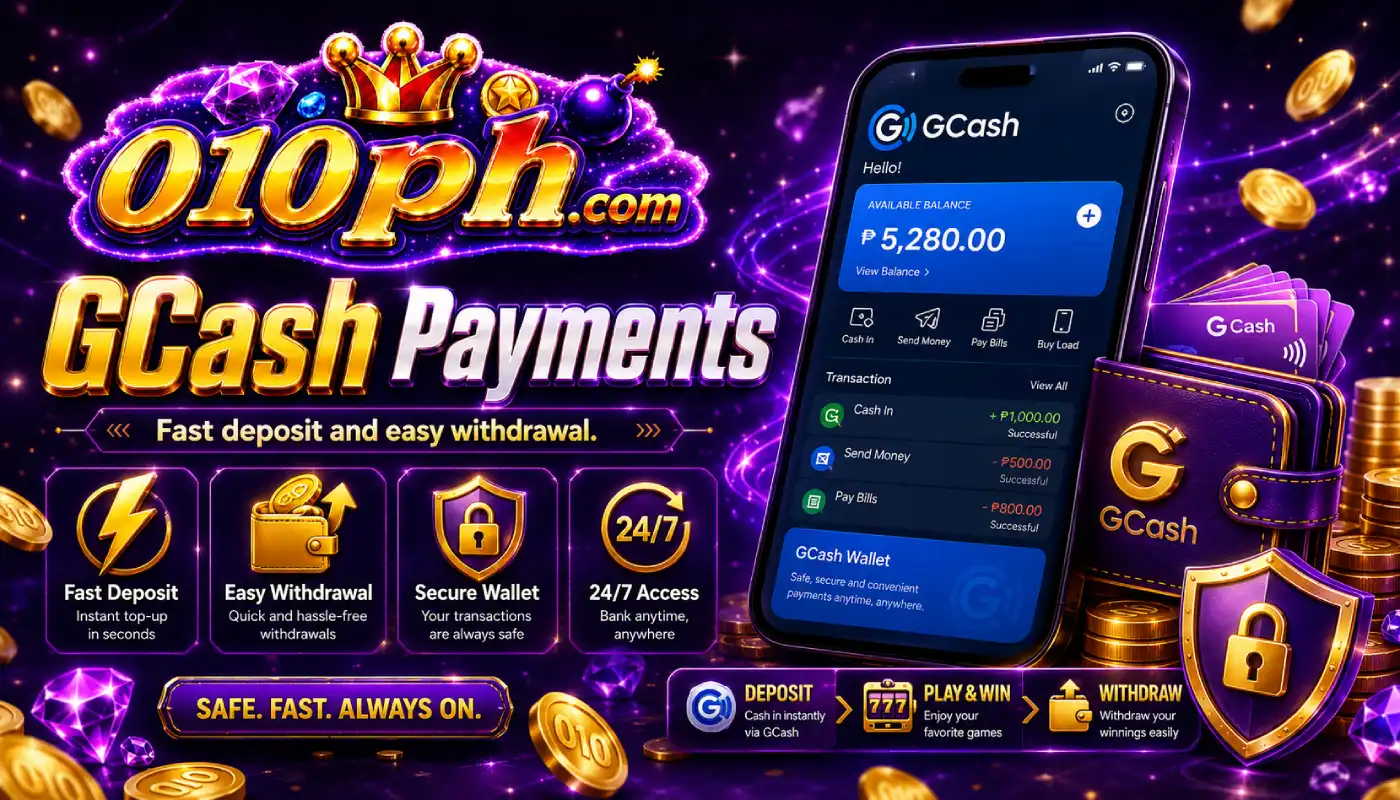
GCash is one of the most common mobile wallet options used by Filipino Android users. Inside 010PH, you can check the current payment instructions, account notes and support reminders before making a transaction.
Always log in first and read the latest GCash details shown in your account. Payment information can change, so avoid using old screenshots, saved messages or payment details copied from another person.
After sending a payment through GCash, keep your transaction receipt, reference number, amount, time and wallet name. These details are useful if the balance update is delayed or support needs to review the transaction.
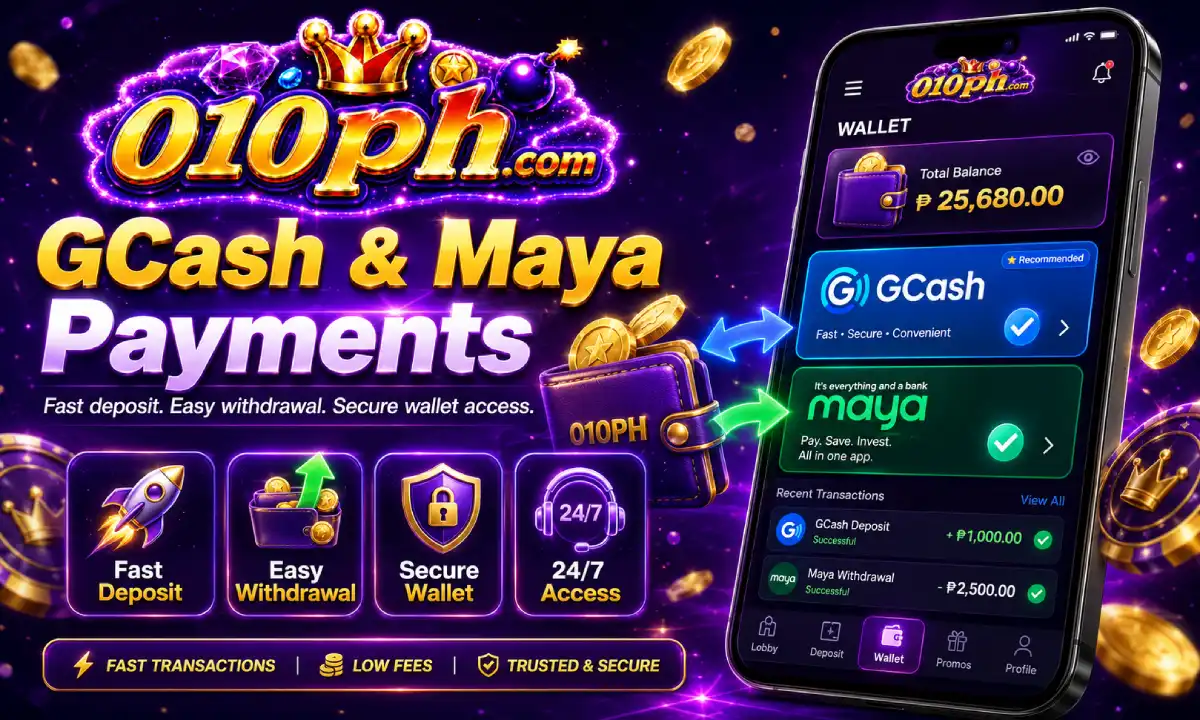
Before making a payment, follow the account instructions carefully and make sure the details are current.
Use the login page and enter your account with the correct login details.
Find the GCash payment section and read the latest instructions shown inside the account.
Open GCash, confirm the correct details, check the amount and complete the transaction.
Save the reference number and receipt until the balance is fully updated in your account.
A careful payment process helps prevent delays, wrong transfers and account review issues.
Payment information should be checked inside your account every time before sending money.
Send the exact amount required by the payment instruction to avoid manual review delays.
When possible, use your own GCash wallet so account and transaction checking is easier.
Keep the receipt, reference number, wallet name and transfer time until the process is complete.
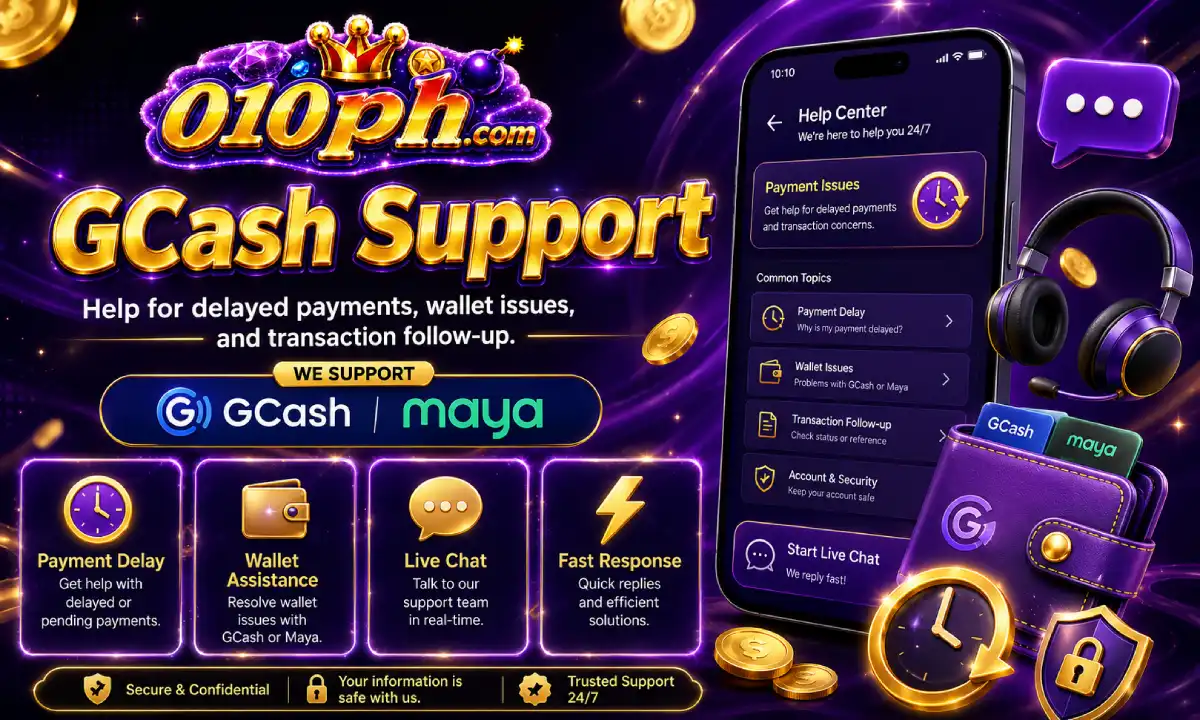
Sometimes a payment may take longer to appear because of wallet processing, network delay, account review or missing transaction information. If your balance does not update right away, do not send repeated payments immediately.
Open support and provide clear information: your 010PH account, GCash sender name, amount, transaction time and reference number. If a screenshot is requested, make sure the receipt is clear and complete.
Avoid editing receipts or hiding important details. Correct information helps support match the payment faster and reduces repeated questions during review.
Once the balance is updated, you can return to the app and continue using available mobile sections.
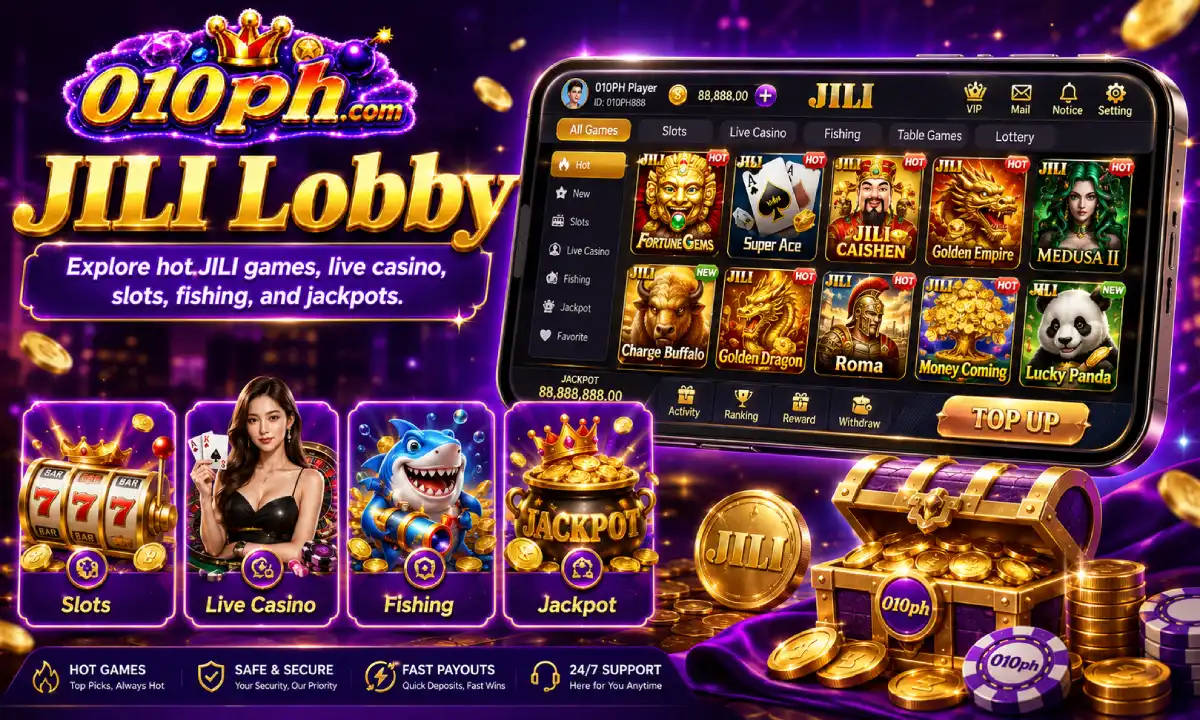
Open available JILI Games from your account and check that the game lobby loads properly.
Open Games
Review active offers and read the claim rules before joining any deposit-related promo.
Check Promos
Check whether your account status has available rewards, activity benefits or VIP support.
Open VIP