


Open Official Access
Tap the login button and wait for the 010PH mobile page to load. Use a stable connection to avoid failed loading.
Open 010PH Login to enter your mobile account, continue to JILI Games, check GCash and Maya options, view promos, follow VIP rewards and contact support when you need help with access, balance or app use.
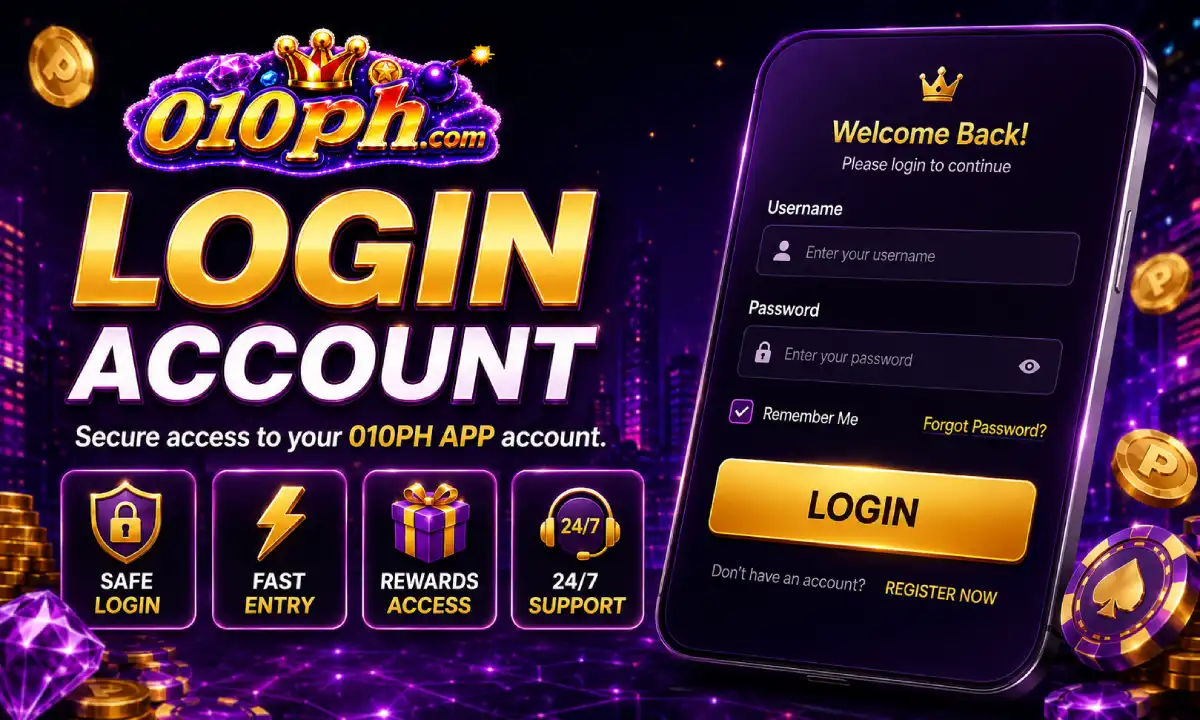
010PH Login is the main entry for users who already have an account. After signing in, you can open the Android app area, browse JILI Games, check your account status, view available promos and follow payment instructions for GCash or Maya.
Use your correct username or mobile number and password. If the login page asks for verification, complete it carefully. Do not share your password, verification code, wallet screenshot or account information with anyone.
If your phone is shared with family or friends, avoid saving your password in the browser. Always log out after using your account, especially when you are using another person’s device or a public Wi-Fi connection.

Follow these steps when opening your account from Android, browser or the 010PH APP.
Tap the login button and wait for the 010PH mobile page to load. Use a stable connection to avoid failed loading.
Type your account username, mobile number or login ID together with your password. Check spelling before submitting.
If a code or security check appears, complete it on the same page. Never send the code to another person.
After login, open JILI Games, GCash, Maya, promos, VIP rewards or support from the mobile account area.
Once your account opens, you can move through the main mobile sections used by Filipino Android players.
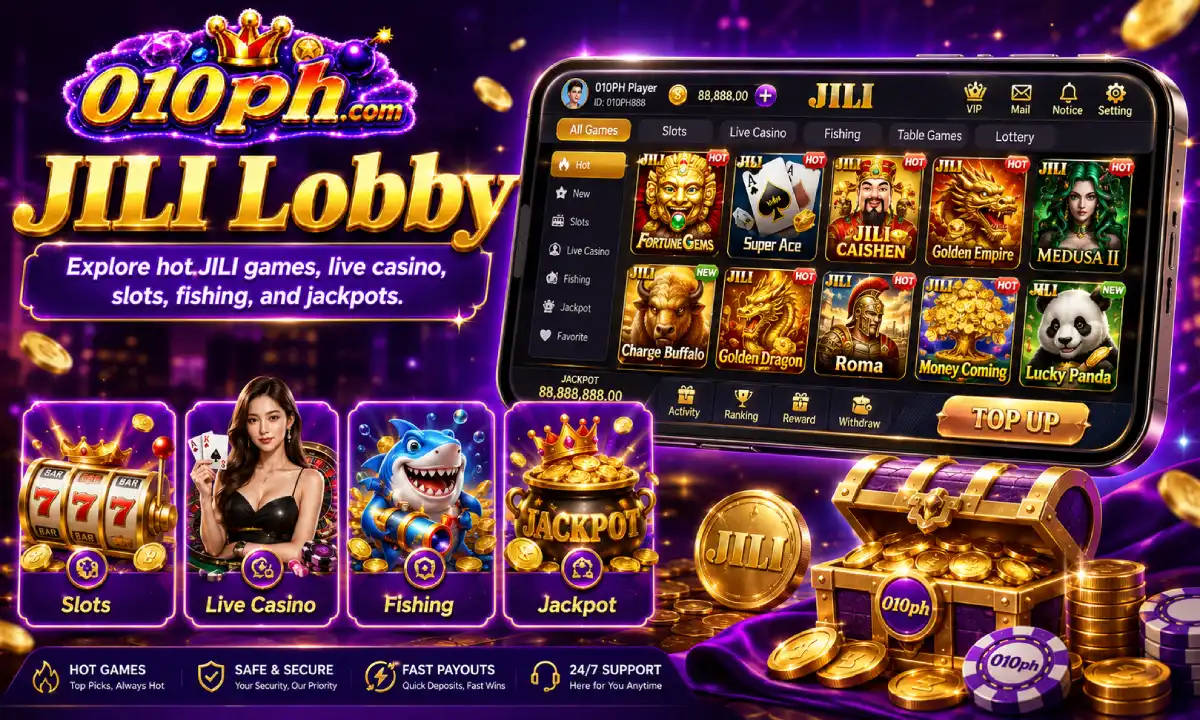
Enter the JILI Games area to view mobile slots, fishing games and arcade-style titles available to your account.
View JILI Games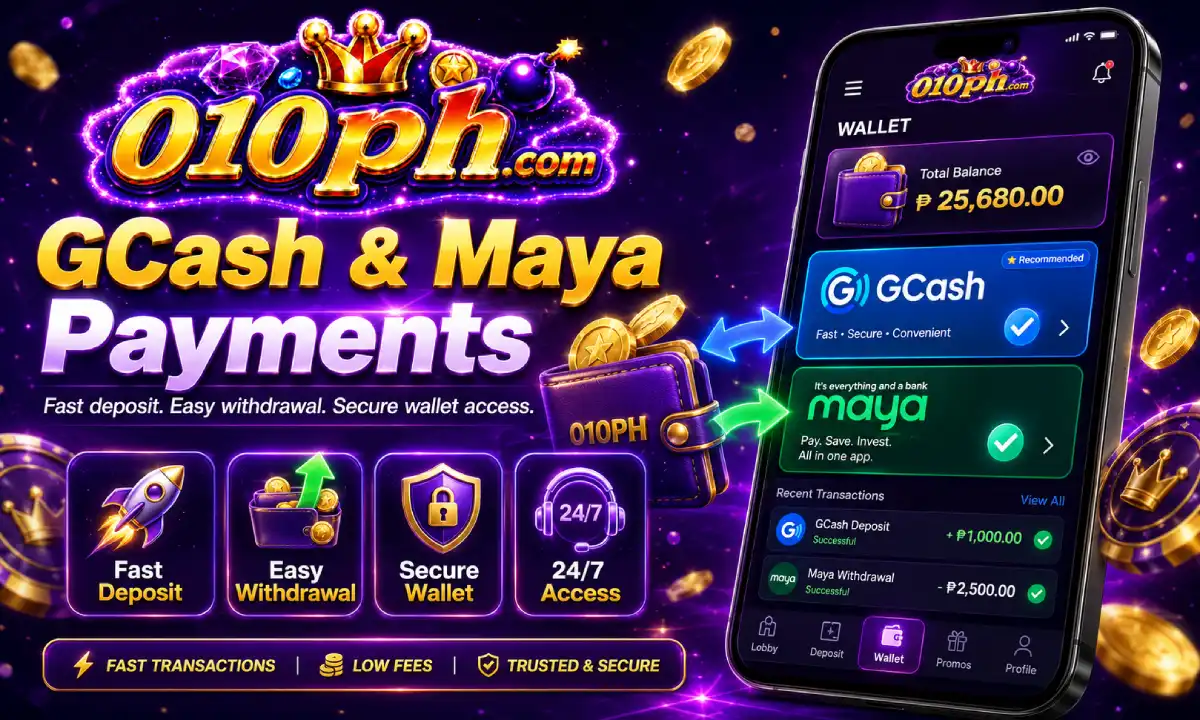
Review current payment instructions, account details and transaction notes before making any deposit or checking a delayed balance.
View GCash Guide
Check active rewards, promo conditions, claim rules, VIP benefits and account-level offers after signing in.
Check Promos
Account security is important when using 010PH on Android. Your login details protect your balance, wallet information, promo records and account activity. Treat your password like private financial information.
If you receive a message asking for your password, verification code or wallet screenshot, do not reply. Support can help with account concerns, but you should never give away your full login password or private codes.
If you suspect that someone else knows your password, open the account area and change it as soon as possible. Use a strong password that is not used on your email, wallet or social accounts.
If you cannot enter your account, check the simple issues below before contacting support.
Check uppercase letters, numbers and special characters. If you forgot the password, use the recovery option shown on the login page.
Switch to a stronger connection, close unused apps and reload the page after a short wait.
If the app cannot open properly, download the latest Android APK from the official access page.
If your account requires review, contact support and provide accurate account information only.