


Log in to 010PH
Open the official access page and enter your account with your correct login details.
Use 010PH Maya access to check payment instructions, wallet reminders, transaction references, balance updates and support help from your Android phone. Log in first and follow the latest details shown inside your 010PH account.
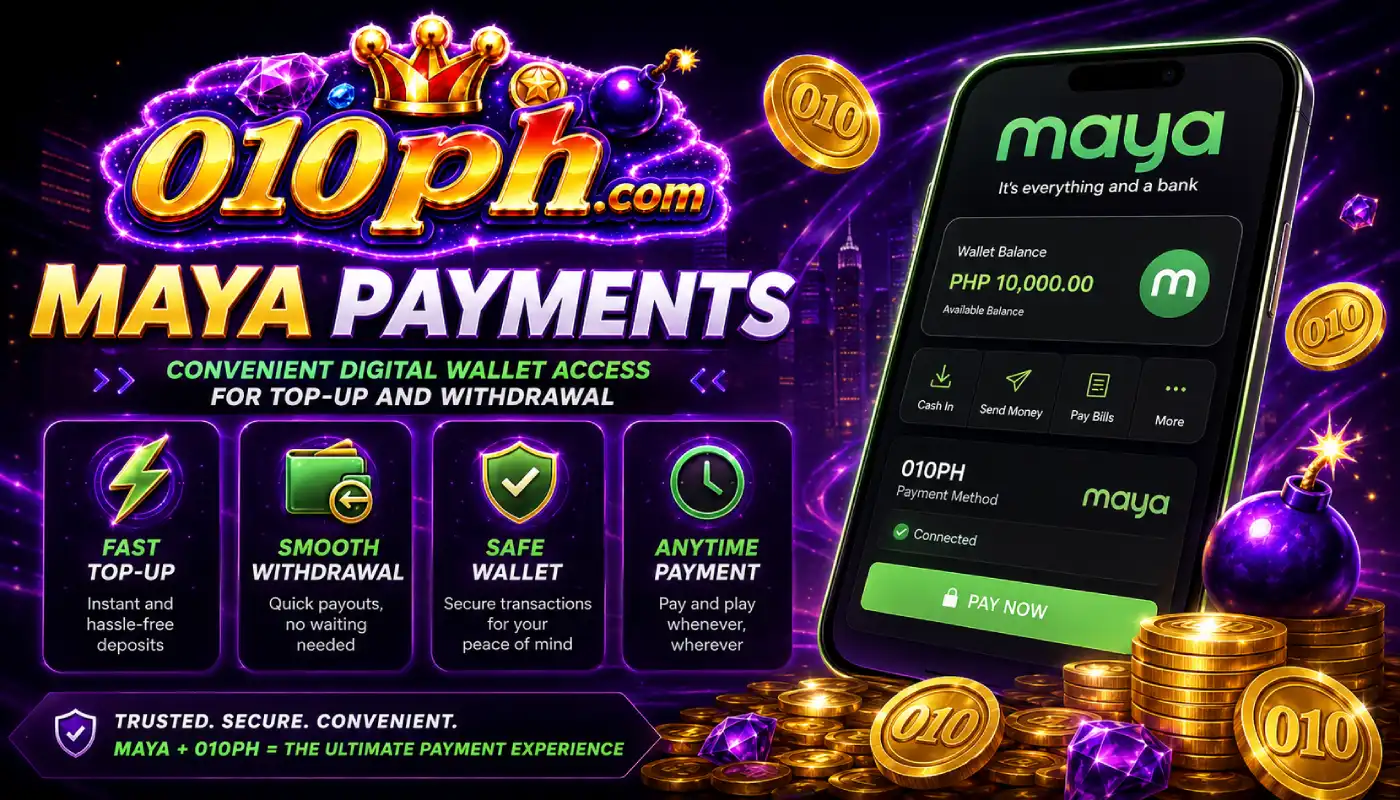
Maya is another convenient mobile wallet option for many users in the Philippines. With 010PH APP, Android users can check Maya instructions from their account and manage payment-related steps from the same phone they use for login and games.
Before sending any amount, open your 010PH account and read the latest Maya payment details. Do not rely on old screenshots or instructions saved from previous transactions because wallet details may change.
After completing a Maya transfer, save your receipt and reference number. If the account balance does not update immediately, these details help support check the transaction faster.
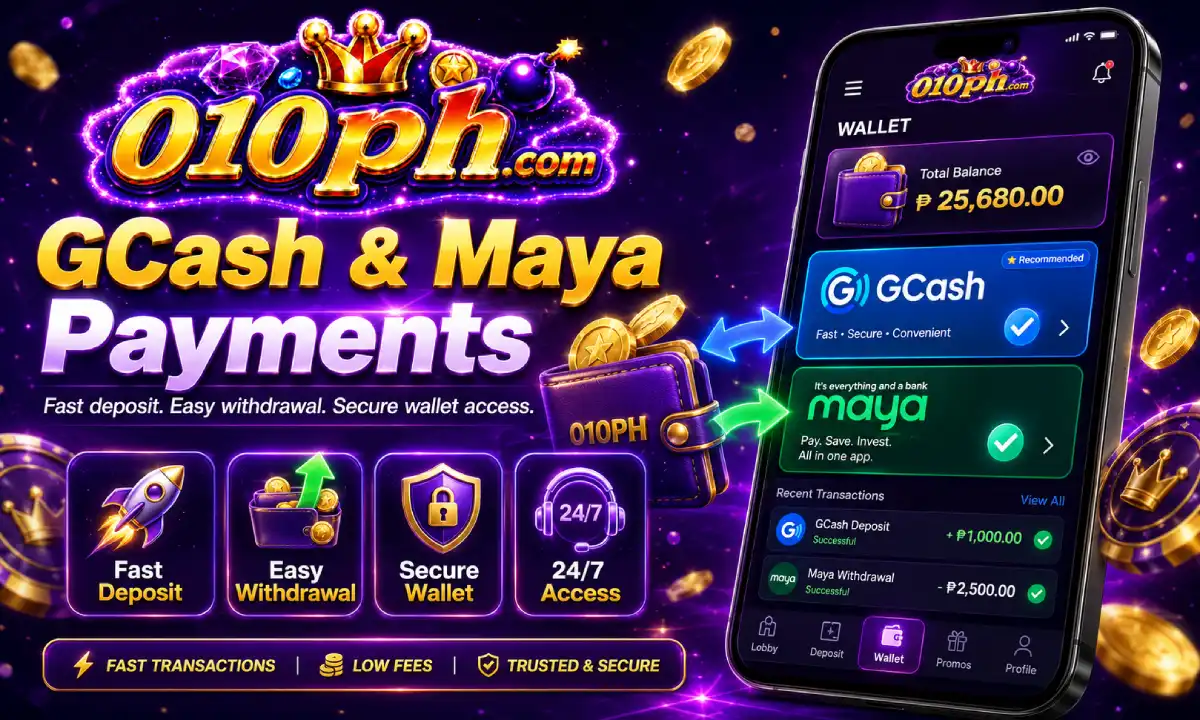
Follow the account instructions carefully before sending a payment through Maya.
Open the official access page and enter your account with your correct login details.
Go to the payment area and read the current Maya instructions displayed in your account.
Open Maya, check the amount and details carefully, then complete the payment.
Keep the receipt and reference number until the 010PH balance is updated.
Proper transaction records help prevent delays and make support review easier.
Always use the latest Maya details shown inside your 010PH account before sending payment.
Double-check the amount before confirming the transfer in your Maya app.
Save the receipt, reference number, sender name and transfer time for checking.
Never share your 010PH password, Maya login, wallet PIN or verification codes.
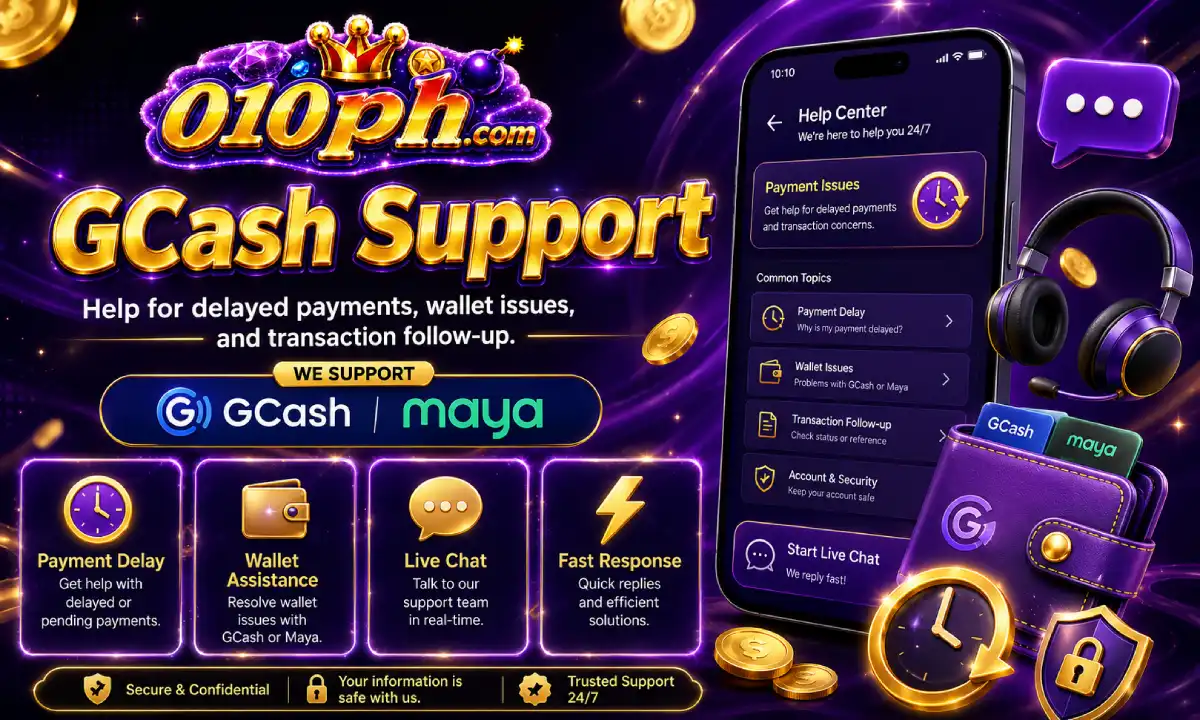
A delayed credit may happen because of wallet processing, unstable network connection, incorrect amount, missing reference number or account review. If the balance is not updated, contact support with complete information.
Provide your 010PH account, Maya sender name, amount, reference number and transfer time. If support asks for a receipt image, make sure the screenshot is clear and shows the full transaction information.
Do not send repeated payments while the first transaction is still being checked. Wait for support review and follow the instructions given inside the account support area.
Once the balance is credited, return to your 010PH mobile account and check the available account sections.

Enter the games area and check available mobile slots, fishing games and arcade-style titles.
View JILI Games
Some offers may have deposit rules, time limits or account requirements. Read all details first.
Check Promos
Contact support for transaction review, account access, app update or payment questions.
Contact SupportUse the main access button only when you are ready to enter the active 010PH account area. For guides, app download, support and payment reminders, use the internal pages above.